


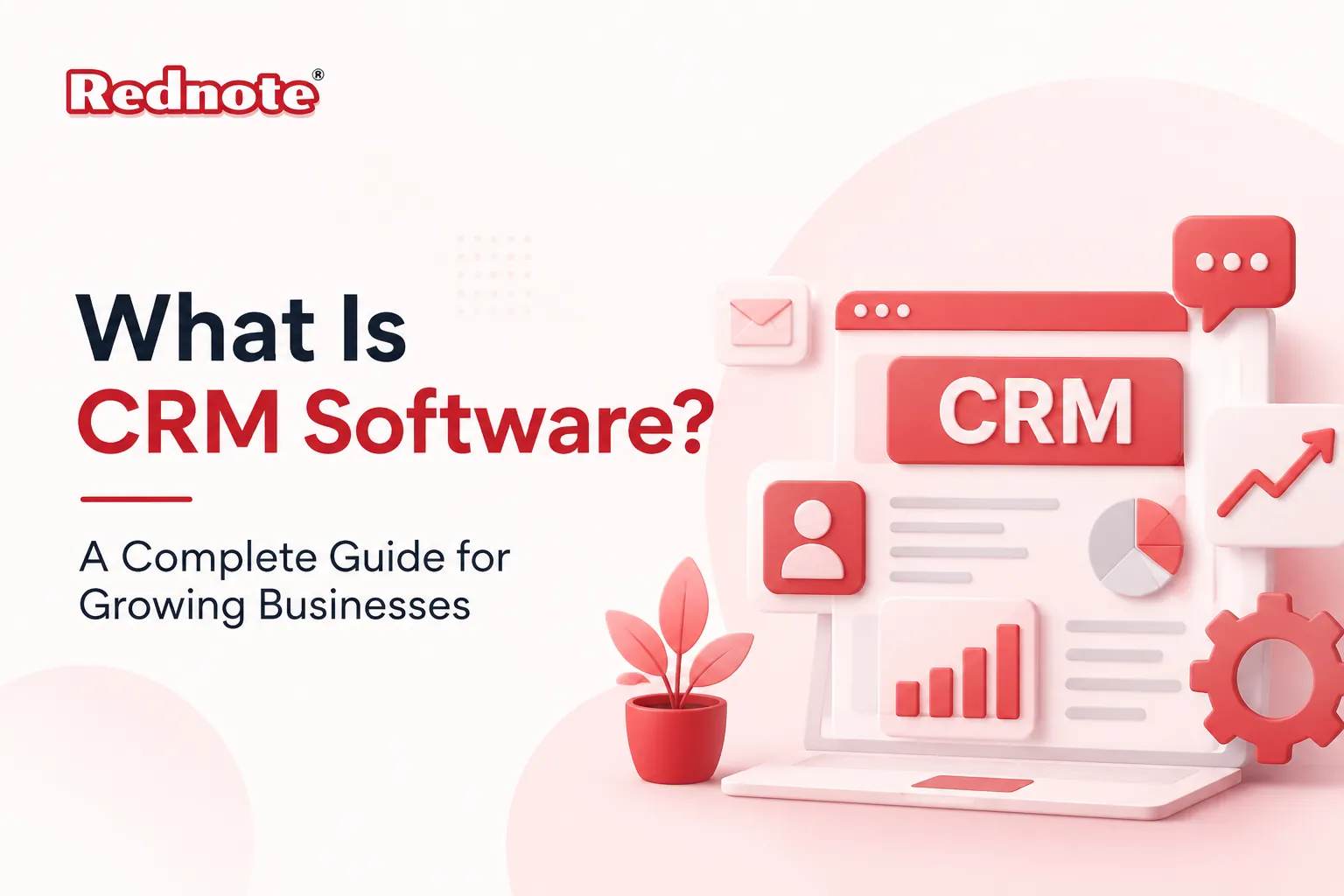
What Is CRM Software? A Complete Guide for Growing Businesses
Managing customer relationships becomes more challenging as a business grows. Spreadsheets, emails, and handwritten notes might work in the beginning, but they quickly become difficult to manage as customer interactions increase. Missed follow-ups, scattered information, and delayed responses can affect both sales and customer satisfaction.
A Customer Relationship Management software solution brings everything together in one place. It helps businesses organize customer information, manage sales activities, improve communication, and provide better support without relying on multiple disconnected tools.
What is CRM software?
Many business owners ask, what is CRM software and why it's become an essential part of running a successful business.
Customer Relationship Management software is a business application that stores customer information, tracks every interaction, manages sales opportunities, and supports communication throughout the customer journey.
Instead of switching between spreadsheets, emails, and notebooks, teams can access customer information from a single platform. A CRM system keeps records updated and makes it easier for sales, marketing, and customer support teams to work together.
Quick Answer
A CRM system helps businesses organize customer data, track leads, automate follow-ups, and build stronger customer relationships from the first interaction to long-term customer support.
Why growing businesses need a CRM
As businesses expand, managing hundreds or even thousands of customer interactions manually become increasingly difficult. Customer details often end up spread across different files, email conversations, and employee notes, making it harder to maintain consistency.
That's why CRM software for businesses has become an important tool across industries. It gives every department access to the same customer information, helping teams respond faster, collaborate more effectively, and reduce errors.
Some of the biggest benefits include:
- Better lead management
- Faster response times
- Improved customer satisfaction
- Higher sales productivity
- Easier collaboration between teams
- Better reporting and forecasting
For example, many companies in Chennai's IT, manufacturing, healthcare, and service sectors use CRM solutions to coordinate sales teams working from different locations while keeping customer information accurate and up to date.
CRM software features to look for
Every business has different requirements, so it's important to choose a platform that supports your daily operations rather than selecting software with the longest list of features.
| Feature | Benefit |
|---|---|
| Contact Management | Stores Customer Information in One Place |
| Lead Tracking | Tracks Prospects Through Every Sales Stage |
| Sales Pipeline | Gives a Clear View of Every Opportunity |
| Task Automation | Reduces Repetitive Manual Work |
| Email Integration | Keeps Customer Communication Organized |
| Reporting Dashboard | Measures Sales Performance |
| Mobile Access | Allows Teams to Work from Anywhere |
| Workflow Automation | Improves Everyday Business Processes |
These CRM software features help businesses save time, stay organized, and deliver a better customer experience throughout the sales process.
How businesses benefit
A well-implemented CRM solution supports every stage of the customer journey while making daily work easier for employees.
Better customer experience
Sales and support teams can instantly access customer history, previous conversations, and purchase records. This allows them to respond more quickly and provide a more personalized experience.
Improved sales performance
When customer information is easy to find, sales teams spend less time searching for details and more time speaking with prospects and closing deals.
Better decision-making
Reports and dashboards provide clear insights into customer behavior, sales trends, and conversion rates, helping managers make informed business decisions.
Stronger team collaboration
Marketing, sales, and customer support teams all work from the same customer database. This reduces communication gaps and helps everyone stay informed.
Common mistakes when choosing a solution
Many businesses invest in software without first understanding how their teams work. That decision often leads to unnecessary costs and lower adoption.
Avoid these common mistakes:
- Choosing software with features you won't use
- Ignoring employee training
- Focusing only on price
- Not defining business goals
- Overlooking integration requirements
- Importing outdated or duplicate customer data
Choosing the best CRM software starts with understanding your business processes, future growth plans, and the needs of your team.
Tips for successful implementation
Introducing a new CRM platform becomes much easier when there's a clear implementation plan.
Follow these best practices:
- Define business goals before implementation.
- Import clean and organized customer data.
- Train employees on the new system.
- Automate repetitive tasks wherever possible.
- Monitor performance regularly.
- Review reports and make improvements based on results.
Businesses that follow these steps usually experience faster adoption and achieve better long-term results from their CRM investment.
Conclusion
Managing customer relationships effectively plays a major role in long-term business success. A modern CRM system helps organize customer information, improve communication, automate routine tasks, and support better collaboration across teams.
Once you understand your business requirements and compare the available options, choosing the best CRM software becomes much easier. Whether you're a startup or an established company in Chennai, the right solution can help you build stronger customer relationships, improve operational efficiency, and support steady business growth.
Frequently Asked Questions