



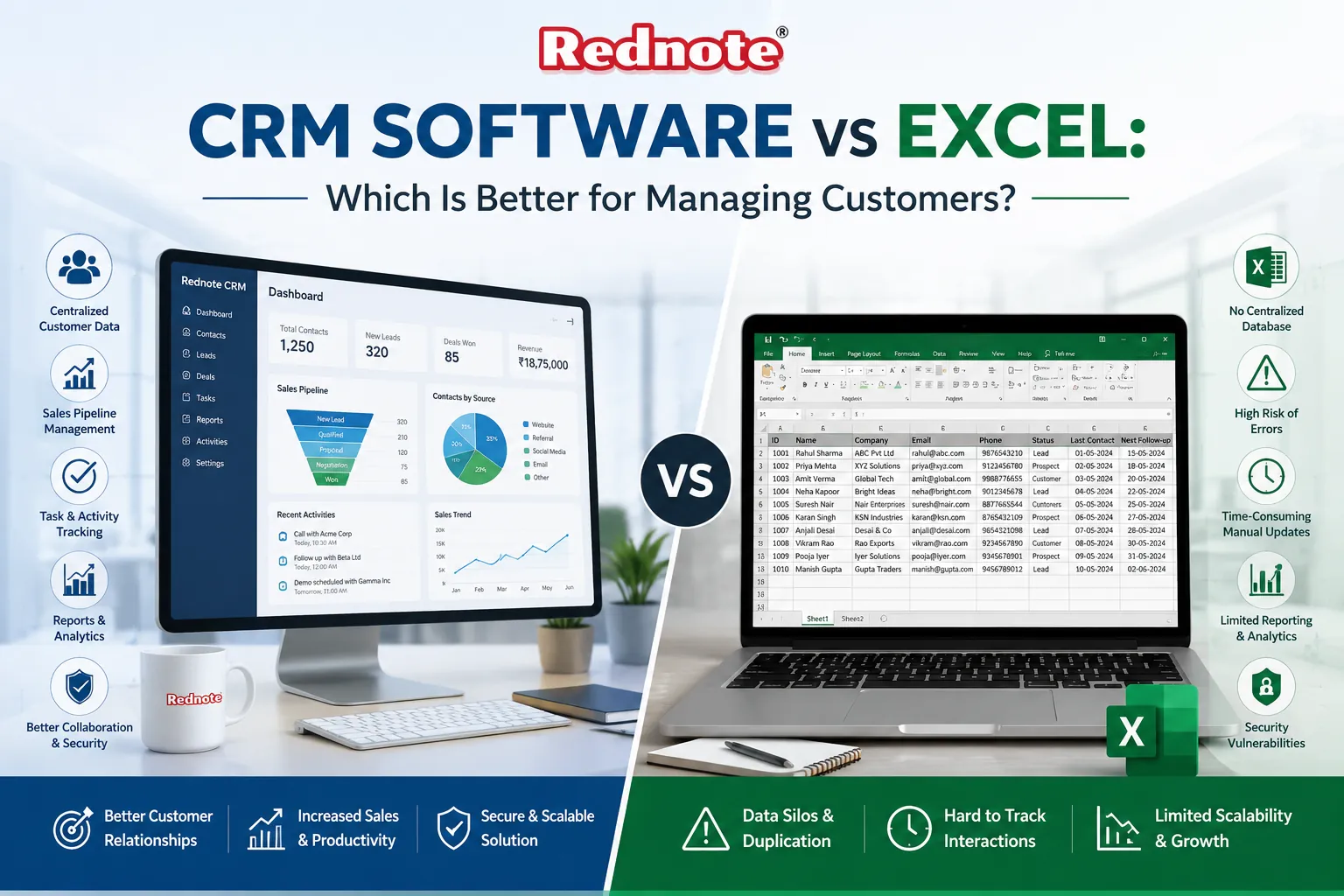
CRM Software vs Excel: Which Is Better for Managing Customers?
Managing customer information has grown far beyond keeping a simple list of contacts. As your business expands, you need a reliable way to track conversations, sales opportunities, follow-ups, and every customer's history. That's why the discussion around CRM Software vs Excel matters for businesses of every size.
Many startups and small businesses in Chennai begin with spreadsheets because they're familiar, affordable, and easy to use. But as customer records grow, spreadsheets become harder to organize and maintain. Choosing between Excel and a CRM depends on how your business operates today and where it's headed next.
Excel and CRM: What's the Difference?
Both Excel and CRM software can store customer information, but they're built for very different jobs.
| Feature | Excel | CRM Software |
|---|---|---|
| Contact Storage | Yes | Yes |
| Sales Tracking | Manual | Automated |
| Follow-up Reminders | No | Yes |
| Team Collaboration | Limited | Built-in |
| Reports & Dashboards | Manual | Real-Time |
| Workflow Automation | No | Yes |
Excel keeps your data organized. A CRM helps you manage customer relationships, sales activities, and daily interactions from one place.
CRM vs Excel: Which One Fits Your Business?
Excel works well when you have a small customer base and simple record-keeping needs. It's a practical choice for maintaining contact lists, performing calculations, or handling sales as a single person.
As your business grows, a CRM becomes much more useful. It helps you:
- Track customer interactions
- Assign leads to team members
- Schedule follow-ups
- Monitor sales pipelines
- Generate reports automatically
- Improve customer service
If you're running a growing business in Chennai, these features can save hours of manual work and reduce costly mistakes.
When Does Excel Stop Being Enough?
Many businesses continue using spreadsheets long after they've outgrown them. You can usually spot the signs pretty quickly:
- Customer information is stored in multiple files.
- Team members accidentally overwrite data.
- Important follow-ups are missed.
- Reporting takes hours every week.
- Sales progress is difficult to monitor.
Once these issues become part of your routine, comparing Excel vs CRM software turns into a practical business decision because time, accuracy, and productivity are all affected.
Why Businesses Choose a CRM
A modern Customer management software solution does much more than store contact details.
It gives you:
- Centralized customer database
- Automatic reminders
- Email integration
- Better collaboration between sales teams
- Faster reporting
- Improved customer experience
- Secure cloud access
For businesses in Chennai that handle multiple clients every day, these features reduce repetitive work and help teams respond faster.
Choosing the Right Solution
If your business has fewer than 100 contacts and one person manages the entire sales process, Excel can still do the job.
If you're planning to grow, investing in the Best CRM software for small business gives you better control over customer relationships, improves day-to-day efficiency, and supports long-term business growth.
Before you decide, consider:
- Team size
- Customer volume
- Sales process complexity
- Reporting requirements
- Future growth plans
- Budget
Conclusion
Choosing between CRM Software vs Excel comes down to your current business needs and your plans for growth. Excel remains a solid option for basic record-keeping, but managing larger customer databases becomes increasingly difficult as your business expands. A dedicated CRM gives your team automated processes, better collaboration, and a clear view of every stage of the customer journey. For businesses in Chennai looking to grow their operations and build stronger customer relationships, the right CRM can make every day work more organized and much easier to manage.
Frequently Asked Questions